PDF Studio – PDF Editor, Scanner & OCR for Android
PDF Studio brings together PDF creation, scanning, editing, signing, conversion, and protection. Your documents are processed locally on your device, and the core features require no account.

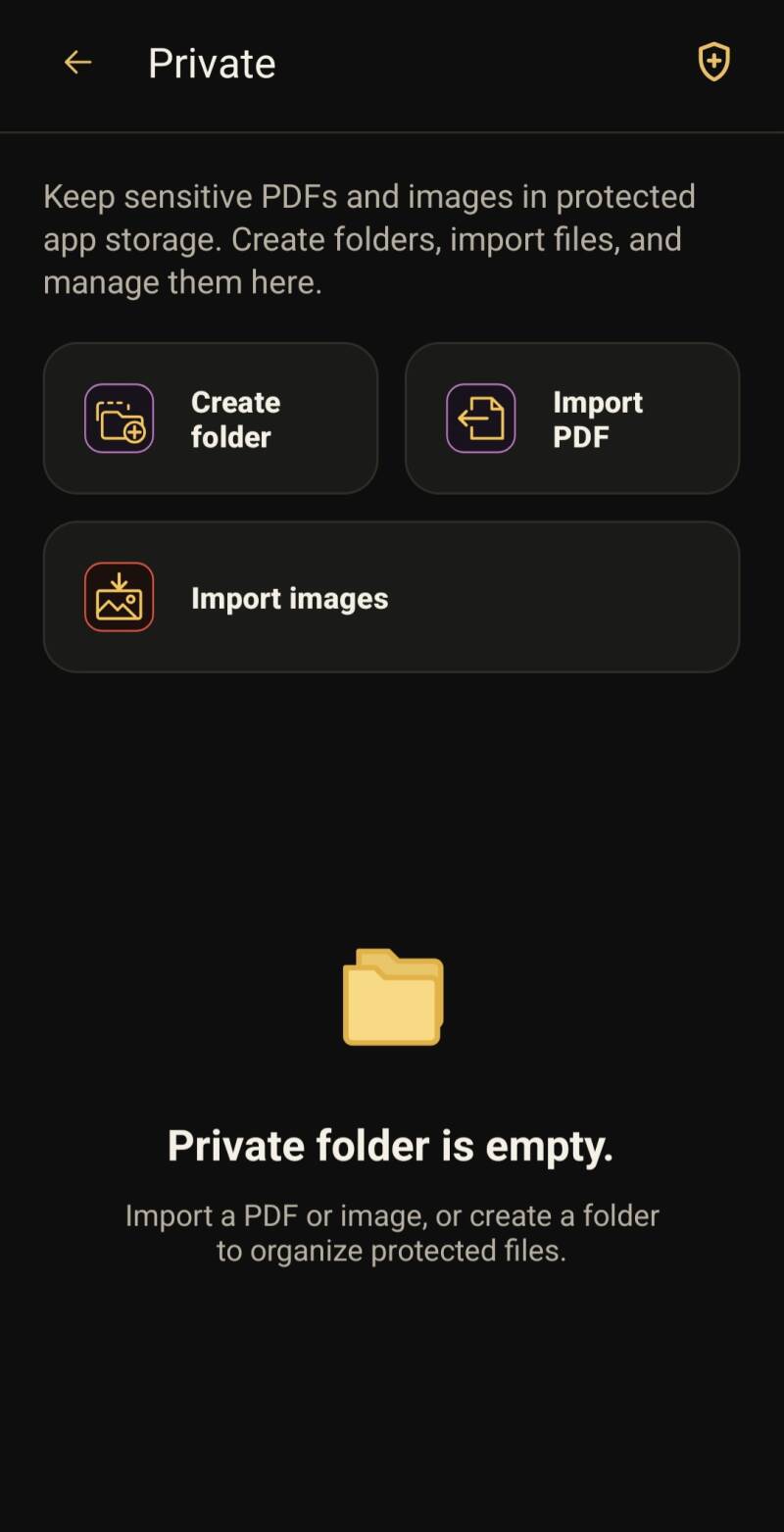
Secure local file storage
Import PDFs and images, create folders, and organize protected files directly on your device.
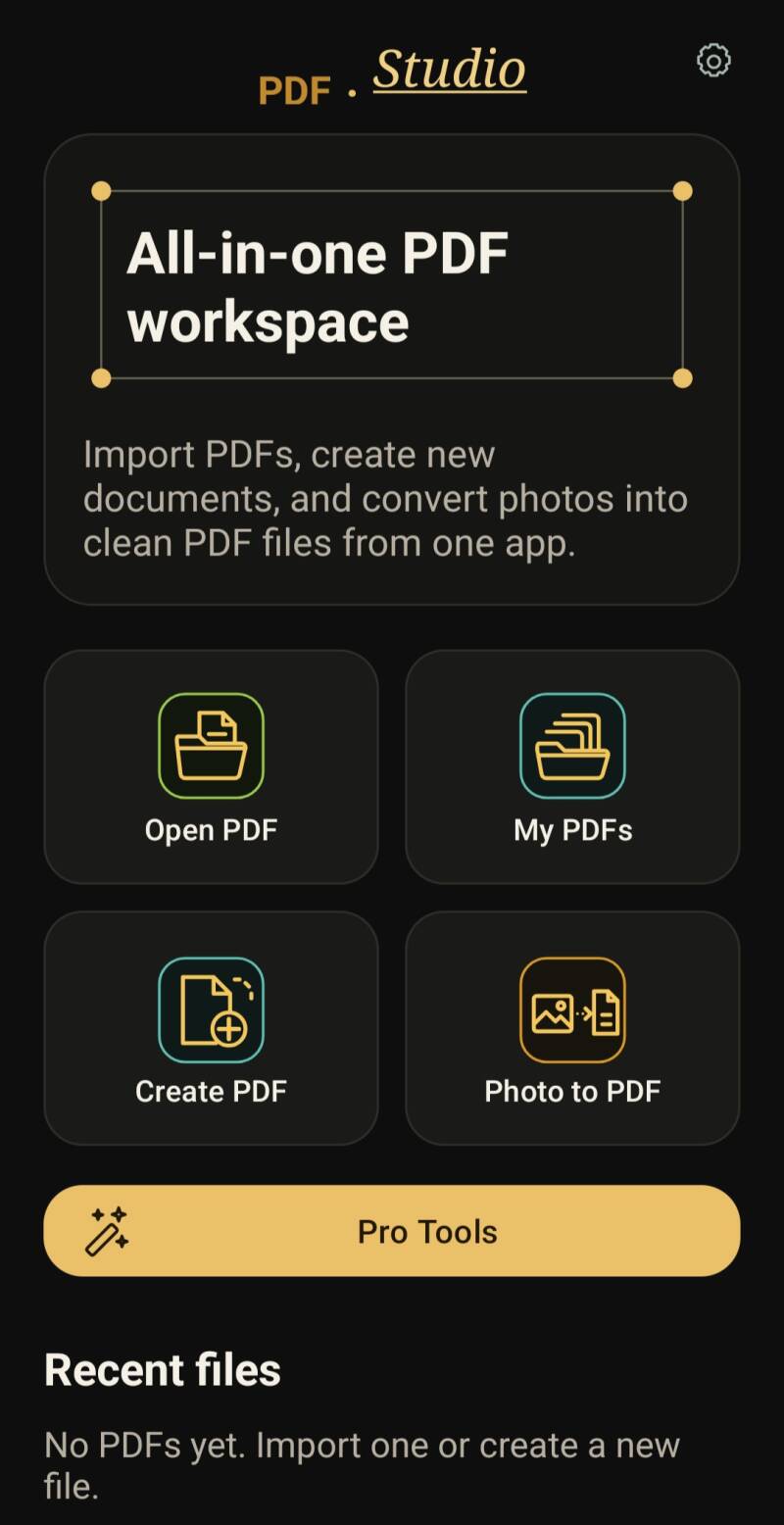
Mobile document scanning
Turn physical receipts, notes, and contracts into high-quality PDFs instantly using your phone's camera.
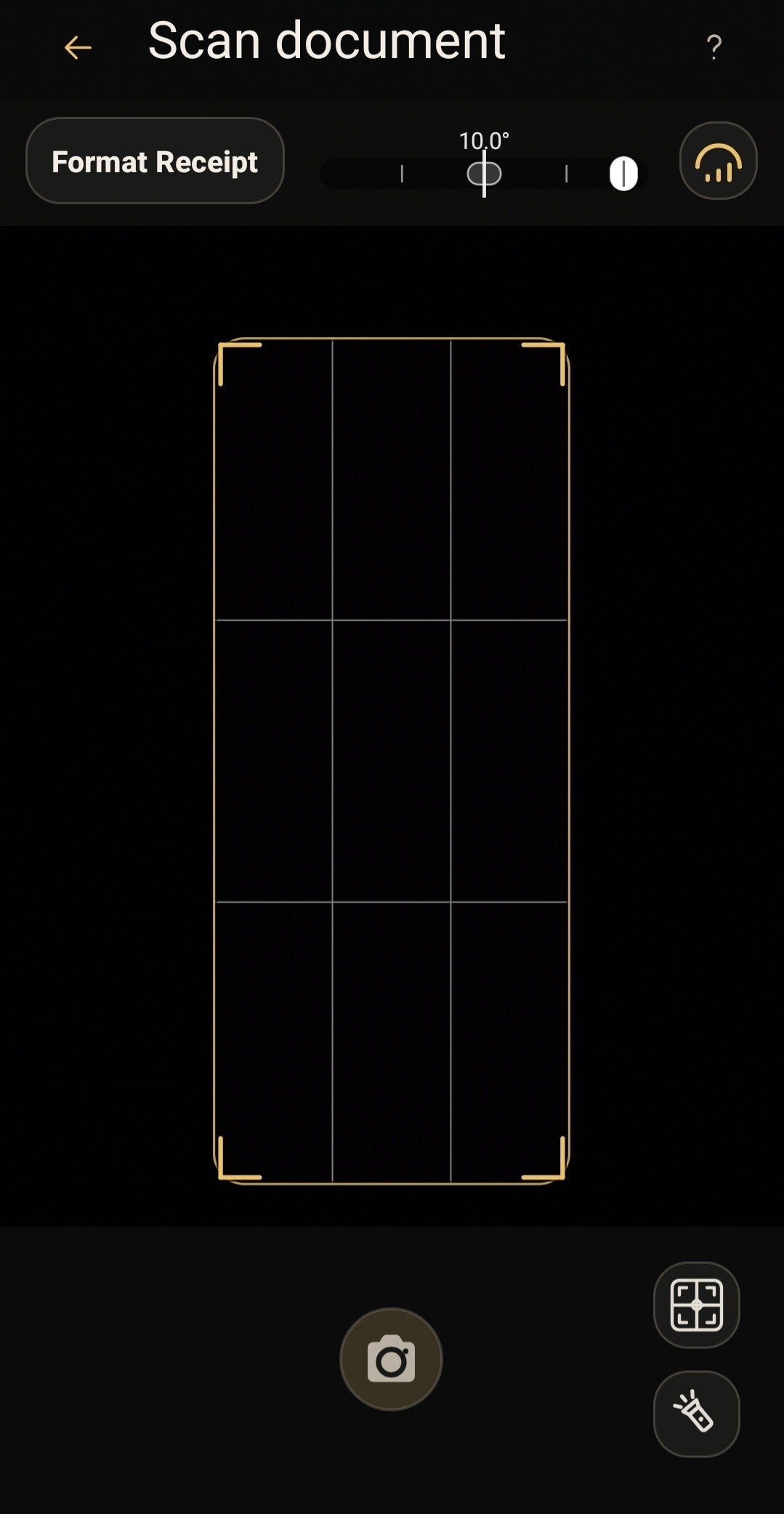
Smart text recognition (OCR)
Extract editable text from scanned images and PDFs automatically without sending your files to the cloud.
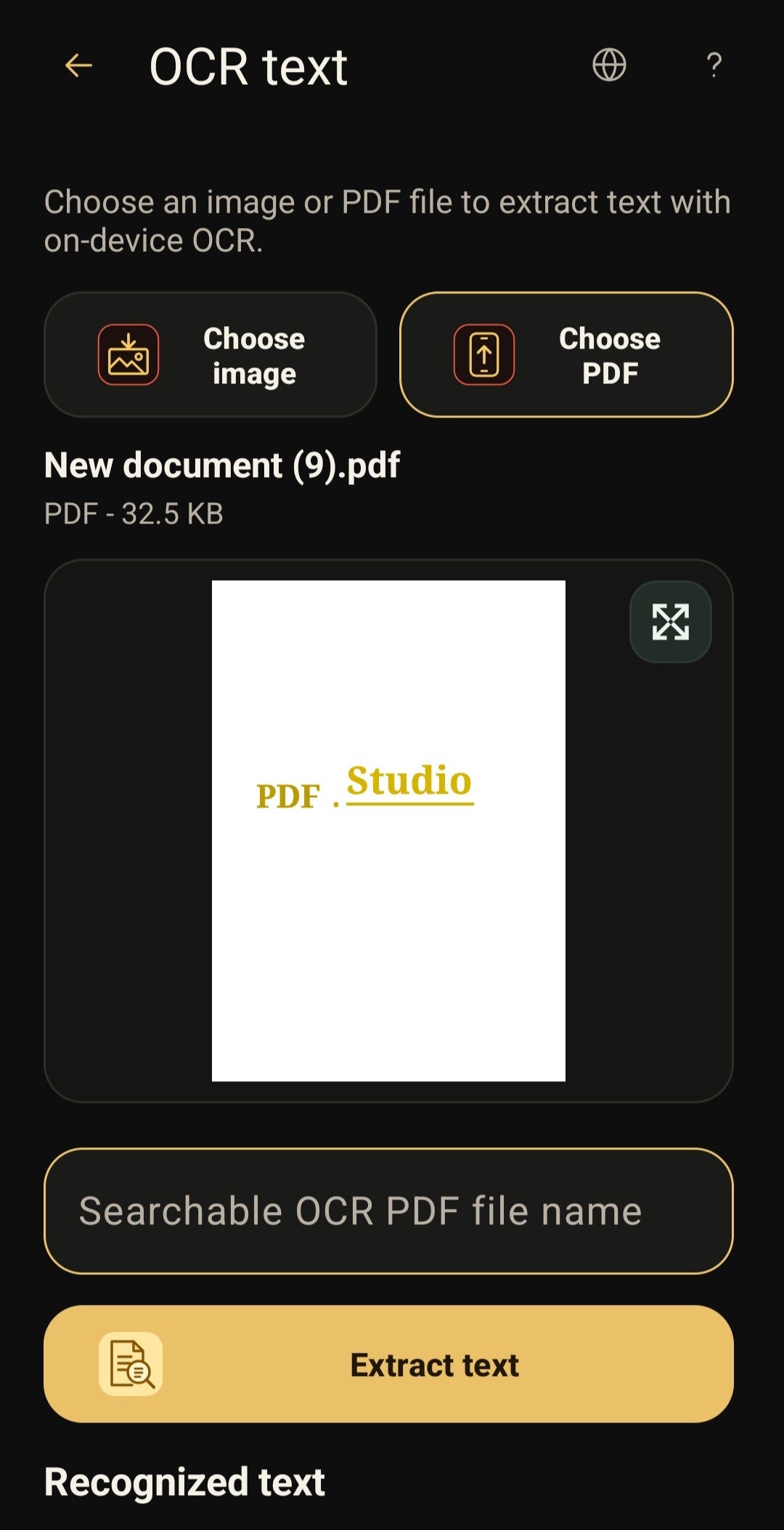
File conversion and compression
Convert images to PDF or shrink large documents for quick sharing while preserving crisp document quality.

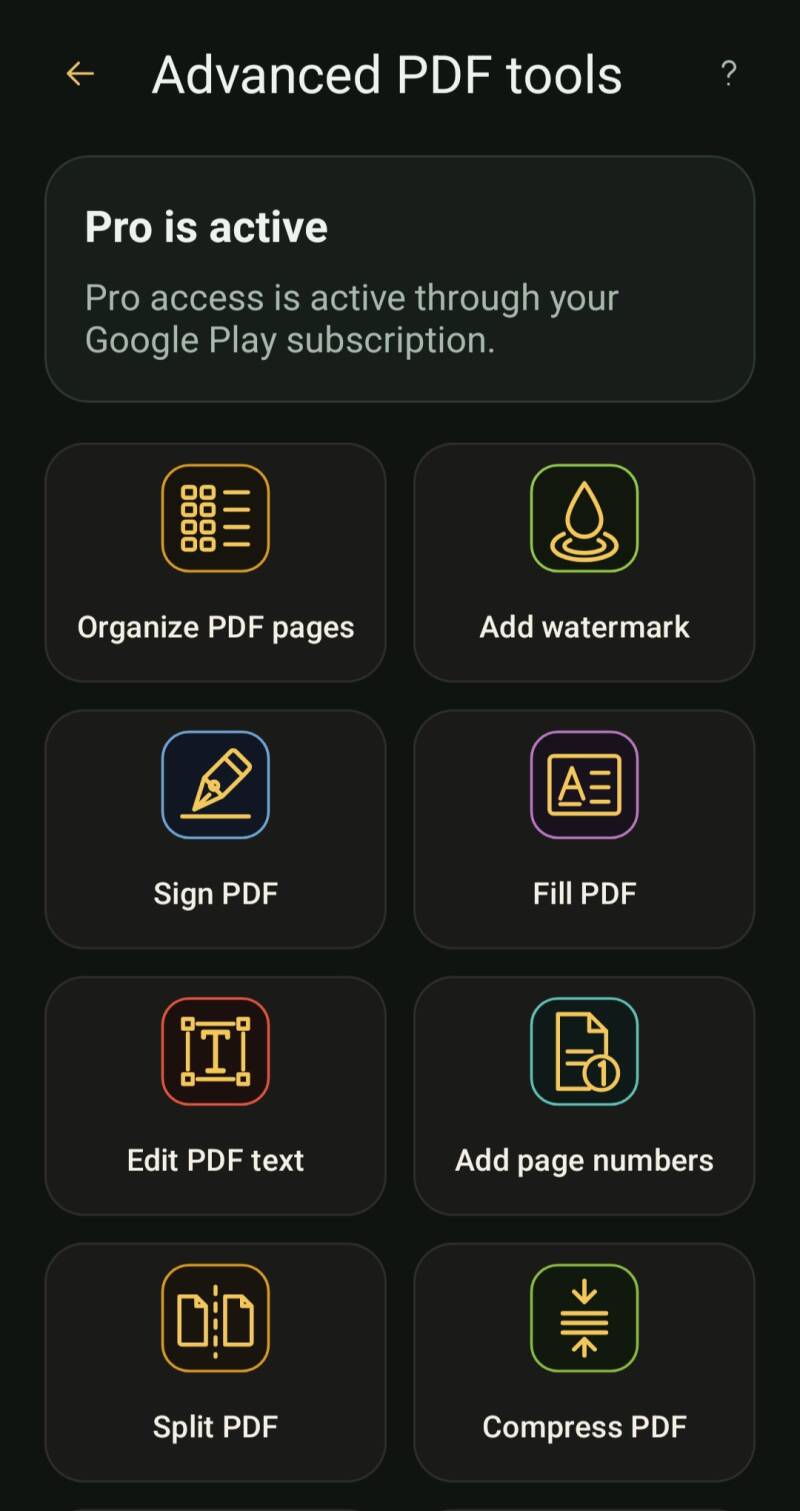
Advanced PDF tools
Organize pages, add watermarks, sign and fill forms, edit PDF text, add page numbers, split files, and compress documents from one workspace.
Flexible page numbering
Add page numbers with a custom starting value and position while keeping protected source files compatible.

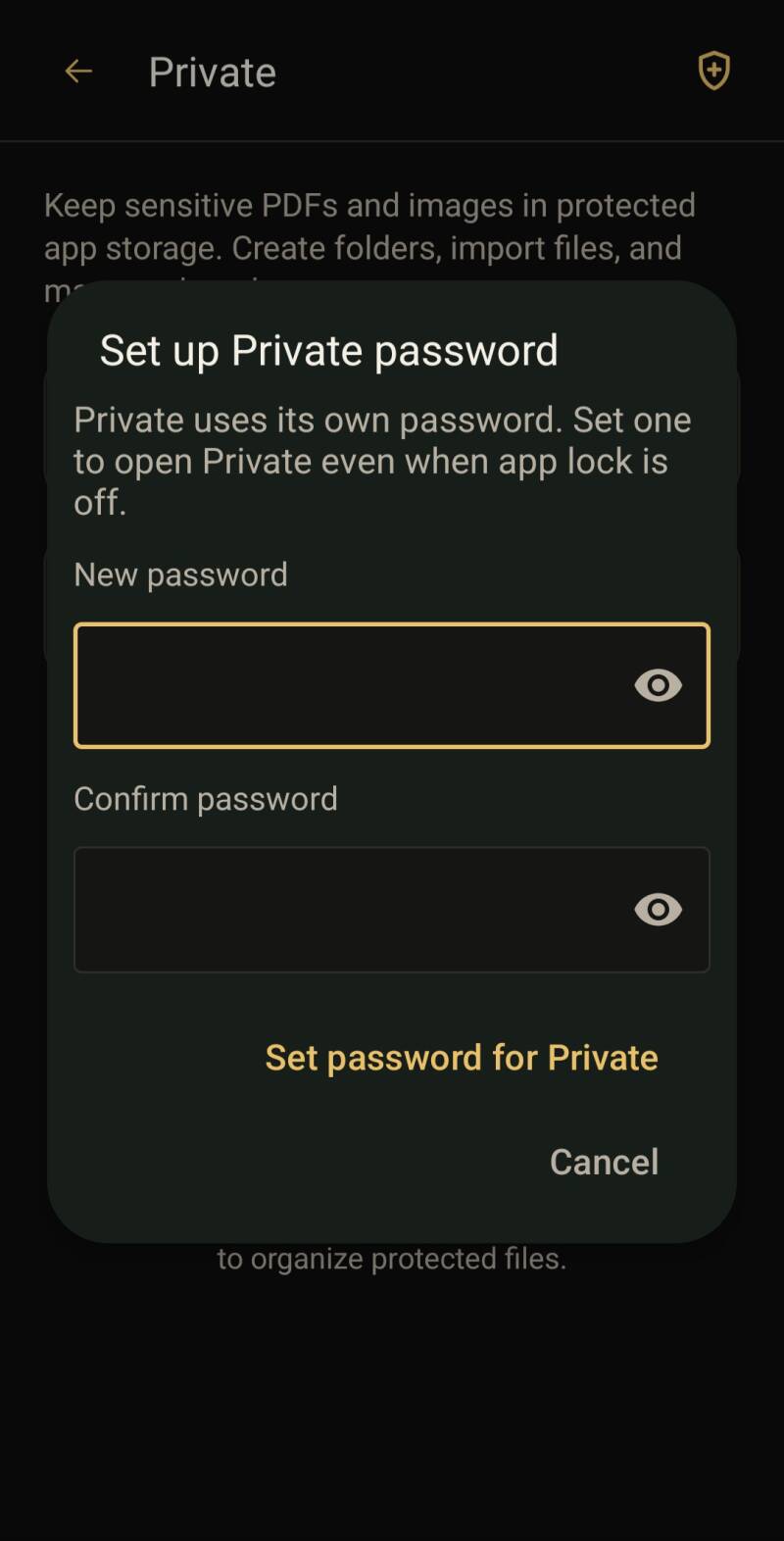
Private protection with its own password
Set a separate password for Private so sensitive PDFs and images stay protected even when the main app lock is off.
Offline-first privacy and safety
Keep your sensitive documents secure. All processing happens entirely on your phone with no account or registration required.
"PDF Studio has completely replaced three different apps for me. The offline OCR is super fast, and knowing my scanned documents never leave my phone gives me total peace of mind."
Markus Weber
Independent Consultant, Germany
Ready to simplify your PDF tasks?
Download PDF Studio today on Google Play and start scanning, converting, and editing your files with total privacy.

Frequently asked questions
Is an account required to use PDF Studio?
No, PDF Studio works right out of the box without registration or account creation.
Does the app process my files on external servers?
No, all document editing, scanning, compression, and OCR text extraction are performed 100% locally on your Android device.
Can I use PDF Studio without an internet connection?
Yes, PDF Studio is built offline-first, so every feature works perfectly without Wi-Fi or mobile data.